
Building AI Agents with Local Small Language Models (SLMs)
In this article
The era of building AI agents used to require massive servers and deep pockets for cloud API fees. Today, a new generation of Small Language Models (SLMs)—models with fewer than 10 billion parameters—has made it possible to run sophisticated autonomous agents entirely on a standard laptop or desktop.
This guide will walk you through setting up a private, local AI agent using the most popular open-source tools available today.
Why Choose Local SLMs?
Using models like Microsoft's Phi-3 or Meta's Llama 3.2 for agentic workflows offers several game-changing advantages:
- Data Sovereignty: Your prompts and sensitive data never leave your local machine, ensuring 100% privacy for proprietary business logic or personal data.
- Cost Predictability: Eliminate "token shock" by removing per-call API costs. Once you have the hardware, the intelligence is free.
- Offline Reliability: Your agents remain fully functional even without an internet connection, making them ideal for edge computing or secure offline environments.
Technical Stack Overview
To build our local agent, we will use three key components:
- Ollama: The backend engine for hosting and running quantized model weights.
- LangChain/LangGraph: The orchestration layer that defines the agent's logic, memory, and tool-use capabilities.
- Local SLM: A lightweight model (like Phi-3) that balances reasoning capability with low hardware requirements.
Step 1: Initialize the Local Model
First, install Ollama and pull a model optimized for agentic reasoning. We recommend Phi-3 for its excellent balance of speed and logical consistency.
ollama run phi3
Step 2: Set Up the Orchestration Layer
Install the necessary Python libraries to connect your code to the local Ollama server:
pip install langchain langchain-community langchain-ollama
In your Python script, initialize the connection:
from langchain_ollama import OllamaLLM

# Connect to your local Ollama instance
model = OllamaLLM(model="phi3")
Step 3: Defining Agent Tools
Agents become truly useful when they can interact with the world. Using the @tool decorator in LangChain, you can give your local model "arms and legs"—such as the ability to search local files, perform math, or check your calendar.
from langchain.agents import tool

@tool
def calculate_complexity(input_str: str) -> int:
    """Calculates the length of a string as a proxy for task complexity."""
    return len(input_str)
Step 4: The Agent Execution Loop
Finally, wrap your model and tools in an agentic loop. We use the ReAct (Reason + Act) framework, which allows the model to think through a problem, choose a tool, observe the result, and iterate until the task is complete.
from langchain.agents import create_react_agent, AgentExecutor

# Initialize agent with tools and prompt template
agent = create_react_agent(model, tools, prompt_template)
executor = AgentExecutor(agent=agent, tools=tools, verbose=True)

# Run the agent
executor.invoke({"input": "What is the complexity of 'AI Mastery'?"})
Local vs. Cloud: The Trade-offs
While local SLMs are incredibly capable, they do come with trade-offs:
| Feature | Local SLMs (Phi-3) | Cloud LLMs (GPT-4o) |
|---|---|---|
| Privacy | Total Privacy | Shared with provider |
| Latency | Instant (No Network) | Variable (Network lag) |
| Intelligence | Task-focused logic | Deep world knowledge |
| Cost | Free (Unlimited) | Pay-per-token |
Conclusion
Building with local SLMs isn't just about saving money—it's about building resilient and private AI systems. As models continue to get smaller and more efficient, the boundary of what you can accomplish on your own hardware will only continue to expand. Happy building!
Related Guides
Run Claude Code Locally with Ollama (2026 Setup)
Connect Claude Code to Ollama's Anthropic-compatible API, choose a supported coding model, set a 64K context, and verify inference stays local.
Build an Agentic RAG System with smolagents and ChromaDB
Use smolagents CodeAgent to run multi-step retrieval over a ChromaDB vector store, letting the agent plan its own search strategy.
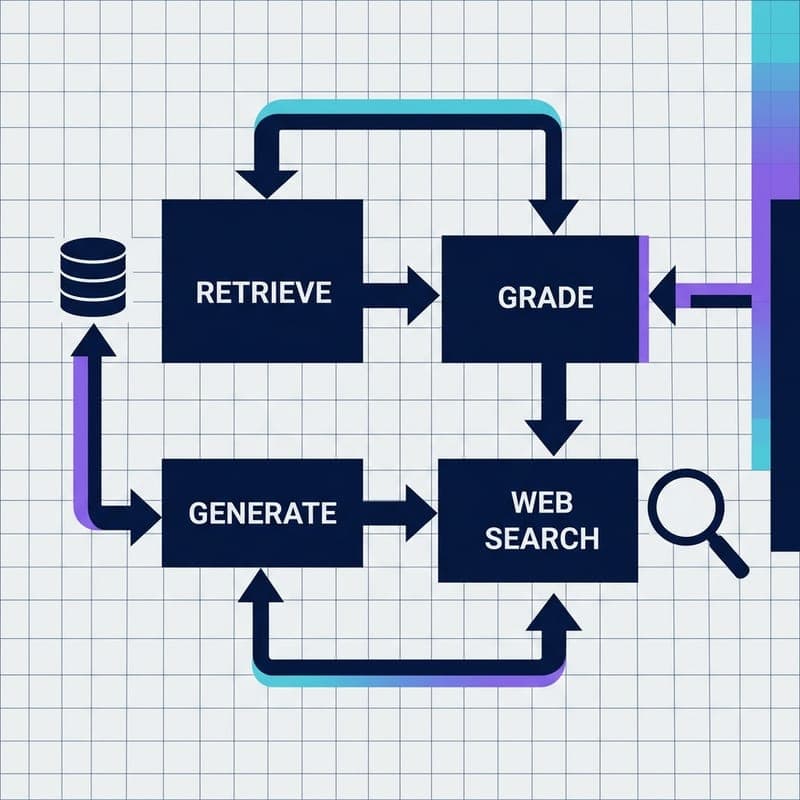
Build a Self-Correcting RAG Agent with LangGraph and Milvus
Wire adaptive routing, corrective RAG, and self-RAG into a stateful LangGraph agent backed by Milvus Lite — no OpenAI key required.