
In this article
The End of the Prompting Era
For the past few years, artificial intelligence has essentially functioned as a super-powered calculator. You type a prompt, you get a response. This is fundamentally a reactive workflow.
The future of productivity is Agentic workflows. An AI agent is a system equipped with a large language model (the "brain") that has been granted the programmatic autonomy to use independent tools, make decisions, route workflows, and execute actions without human intervention.
Step 1: Define the System Prompt and Boundary
Before writing a single line of code, you must construct the Agent's identity. If you are building a Customer Support Agent, its system prompt dictates its limitations. "You are an autonomous support agent. Your goal is to resolve ticket issues. If you do not have permission to execute a refund, you must route the ticket to a human manager. Never hallucinate company policy."
Step 2: Select the Execution Framework
You do not need to build agents from scratch. Frameworks exist to handle the complex routing and memory management for you.
| Framework | Specialty | Ideal Use Case |
|---|---|---|
| LangGraph | Cyclic Graph Logic | Highly complex, iterative workflows that require state control. |
| CrewAI | Multi-Agent Teams | Role-playing agents passing tasks (e.g. Researcher + Writer). |
| OpenAI Swarm | Lightweight Handoffs | Simple multi-agent systems where hand-off is the primary logic. |
Step 3: Arming the Agent with Tools (Function Calling)
An LLM by itself is just text in a box. It only becomes an "Agent" when you give it tools. Through an API feature known as Function Calling, you provide the LLM with a list of external scripts it is allowed to trigger.
[!TIP] Deterministic Tooling: Always ensure your tools are deterministic. The LLM should only handle the reasoning of when to use the tool; the tool itself (e.g.
check_inventory) should be a standard, predictable Python function that returns structured data.
For example, you might write a Python function called check_inventory(item_id) and a function called issue_refund(user_id). You pass these function definitions into the LLM. When a user tells the agent "My package never arrived," the agent's logic engine will autonomously realize it needs to trigger the issue_refund function, execute the code, and mathematically close the loop.
Step 4: Implementing Memory
Traditional LLM API calls are stateless; they have the memory of a goldfish. For an agent to solve multi-step problems, it must be hooked into a persistent memory database. For production applications, this means hooking your agent into a Vector Database (like Pinecone or Weaviate). As the agent operates, it writes its thoughts and previous actions into the vector database, constantly retrieving them over the course of the workflow to ensure it isn't repeating actions or forgetting the user's initial instructions.
Step 5: Implement a Minimal Tool-Using Agent
Once your architecture is clear, start with a tiny production-like loop: model decides when to call a tool, tool runs, result is returned to the model.
from openai import OpenAI
import json

client = OpenAI()

def check_inventory(item_id: str) -> dict:
	inventory = {"sku_123": 12, "sku_456": 0}
	return {"item_id": item_id, "available": inventory.get(item_id, 0)}

tools = [
	{
		"type": "function",
		"function": {
			"name": "check_inventory",
			"description": "Check stock availability for an item",
			"parameters": {
				"type": "object",
				"properties": {
					"item_id": {"type": "string"}
				},
				"required": ["item_id"]
			}
		}
	}
]

messages = [
	{"role": "system", "content": "You are an operations agent. Use tools when needed and never invent inventory data."},
	{"role": "user", "content": "Can we ship sku_123 today?"}
]

response = client.chat.completions.create(
	model="gpt-4.1-mini",
	messages=messages,
	tools=tools,
)

tool_call = response.choices[0].message.tool_calls[0]
args = json.loads(tool_call.function.arguments)
tool_result = check_inventory(args["item_id"])

messages.append(response.choices[0].message)
messages.append(
	{
		"role": "tool",
		"tool_call_id": tool_call.id,
		"content": json.dumps(tool_result)
	}
)

final = client.chat.completions.create(model="gpt-4.1-mini", messages=messages)
print(final.choices[0].message.content)
[!IMPORTANT] Production State Management: In a real app, you shouldn't just print the output. You need to persist the
messagesarray to a database (like Redis or Postgres) between turns so the agent remembers the user across different sessions.
This pattern is the foundation for robust autonomous workflows: deterministic tools for actions, LLM for reasoning, and explicit state passed between steps.
The Production AI Engineer
Go beyond basic single-turn tool calls. Learn how to architect hierarchical multi-agent coordinate routers, build persistent blackboard databases, manage message buses, and handle edge-case retry failures in our complete 122-page systems guide.
Related Guides
Run Claude Code Locally with Ollama (2026 Setup)
Connect Claude Code to Ollama's Anthropic-compatible API, choose a supported coding model, set a 64K context, and verify inference stays local.
How to Implement Self-Verification in Agentic Workflows
A practical guide to stopping hallucination architectures by building 'Critic Agents' that automatically test and verify AI outputs.
Build a Multi-Tool Claude Agent with MCP Servers in Python
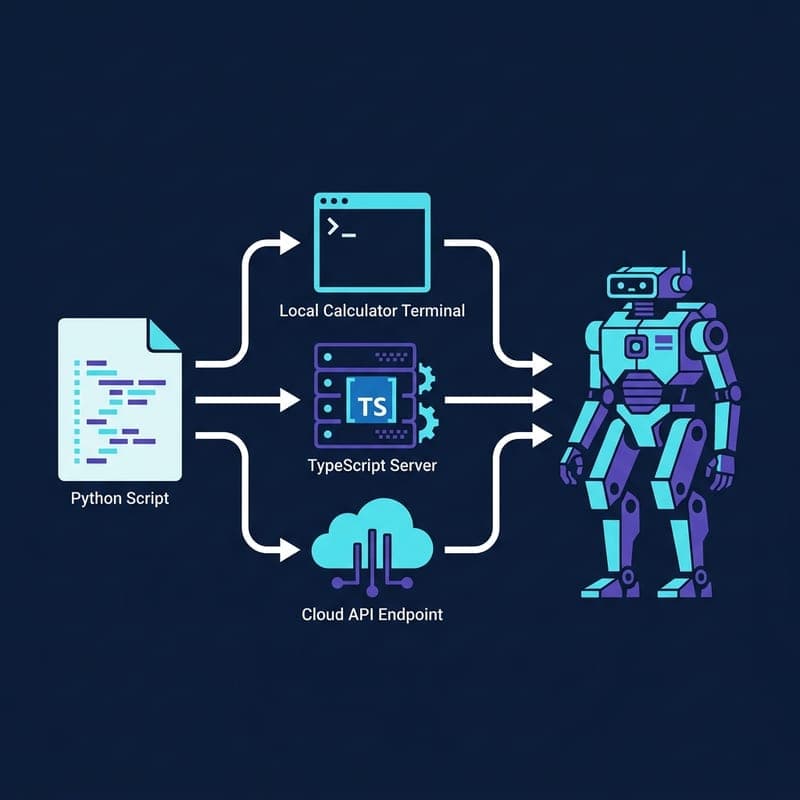
Wire Claude to a local calculator, Brave search MCP server, and Anthropic-hosted tools in one extensible Python agent loop.