
In this article
Turning an AutoGen multi-agent script into an application is less about changing the agents and more about choosing the boundary between the agent runtime and the outside world. The open-source app_team.py example from Microsoft AutoGen shows one clean path: keep a RoundRobinGroupChat as the orchestrator, replace the console input() with a WebSocket callback, and persist team state and history to JSON after every stream completes. This guide is adapted from the MIT-licensed Microsoft AutoGen repository at https://github.com/microsoft/autogen. Save the combined code in this guide as app_team.py.
This pattern is for ML engineers who already have a working team but are still driving it from a Python terminal. It gives you a real browser endpoint without rewriting the agent logic. The cost is modest: a cloud model or local model endpoint and one Python process. Because a single chat turn can trigger multiple model calls across the assistant and the Yoda-style echo agent, budget for API spend rather than extra compute unless you are running the model locally.
Prerequisites
- Python 3.10 or newer. The code uses
CancellationToken | Noneunion syntax and built-in generic types. - AutoGen agentchat and core packages, FastAPI, aiofiles, PyYAML, and uvicorn. The imports below reflect the required module locations.
- A
model_config.yamlfile compatible withChatCompletionClient.load_component. In practice this usually means an OpenAI, Azure OpenAI, or another supported endpoint configuration with credentials. - A static HTML file named
app_team.htmlin the same directory. The AutoGen repository includes one; this code only serves it. - Optional existing
team_state.jsonandteam_history.jsonfiles. They are loaded when present and written after each turn.
Step 1: Set up the FastAPI application and static mount
The first block establishes the app, enables CORS, declares the paths used for model config, state, and history, and serves the chat interface. Pay close attention to StaticFiles(directory="."): it exposes the current working directory under /static, which has a security implication covered later.
import json
import logging
import os
from typing import Any, Awaitable, Callable, Optional

import aiofiles
import yaml
from autogen_agentchat.agents import AssistantAgent, UserProxyAgent
from autogen_agentchat.base import TaskResult
from autogen_agentchat.messages import TextMessage, UserInputRequestedEvent
from autogen_agentchat.teams import RoundRobinGroupChat
from autogen_core import CancellationToken
from autogen_core.models import ChatCompletionClient
from fastapi import FastAPI, HTTPException, WebSocket, WebSocketDisconnect
from fastapi.middleware.cors import CORSMiddleware
from fastapi.responses import FileResponse
from fastapi.staticfiles import StaticFiles

logger = logging.getLogger(__name__)

app = FastAPI()

# Add CORS middleware
app.add_middleware(
    CORSMiddleware,
    allow_origins=["*"],  # Allows all origins
    allow_credentials=True,
    allow_methods=["*"],  # Allows all methods
    allow_headers=["*"],  # Allows all headers
)

model_config_path = "model_config.yaml"
state_path = "team_state.json"
history_path = "team_history.json"

# Serve static files
app.mount("/static", StaticFiles(directory="."), name="static")

@app.get("/")
async def root():
    """Serve the chat interface HTML file."""
    return FileResponse("app_team.html")
Step 2: Build the team factory with model config and saved state
The get_team function is called for every chat message. It opens the YAML config asynchronously, constructs a model client, creates three agents, and inserts them into a RoundRobinGroupChat. The order matters: the assistant responds first, then Yoda repeats the same content in character, then the user proxy asks for another message.
async def get_team(
    user_input_func: Callable[[str, Optional[CancellationToken]], Awaitable[str]],
) -> RoundRobinGroupChat:
    # Get model client from config.
    async with aiofiles.open(model_config_path, "r") as file:
        model_config = yaml.safe_load(await file.read())
    model_client = ChatCompletionClient.load_component(model_config)
    # Create the team.
    agent = AssistantAgent(
        name="assistant",
        model_client=model_client,
        system_message="You are a helpful assistant.",
    )
    yoda = AssistantAgent(
        name="yoda",
        model_client=model_client,
        system_message="Repeat the same message in the tone of Yoda.",
    )
    user_proxy = UserProxyAgent(
        name="user",
        input_func=user_input_func,  # Use the user input function.
    )
    team = RoundRobinGroupChat(
        [agent, yoda, user_proxy],
    )
    # Load state from file.
    if not os.path.exists(state_path):
        return team
    async with aiofiles.open(state_path, "r") as file:
        state = json.loads(await file.read())
    await team.load_state(state)
    return team
The UserProxyAgent.input_func is the critical hook. In a terminal script, this would be input(). Here it is a callback supplied by the WebSocket endpoint, which lets the agent pause for a human mid-stream without blocking the event loop.
Step 3: Expose the saved history
The history API is deliberately simple: read the JSON file if it exists, otherwise return an empty list. This is convenient for a single-user debugging session, but it has no pagination, authentication, or per-session isolation.
async def get_history() -> list[dict[str, Any]]:
    """Get chat history from file."""
    if not os.path.exists(history_path):
        return []
    async with aiofiles.open(history_path, "r") as file:
        return json.loads(await file.read())


@app.get("/history")
async def history() -> list[dict[str, Any]]:
    try:
        return await get_history()
    except Exception as e:
        raise HTTPException(status_code=500, detail=str(e)) from e
Step 4: Run the team over a WebSocket
The WebSocket endpoint is the heart of the application. It accepts a connection and then enters a loop that receives a JSON message, reconstructs a TextMessage, runs the team stream, and forwards every message that is not a TaskResult back to the client. If the team reaches the UserProxyAgent, the nested _user_input function blocks on websocket.receive_json() until the client sends another message or disconnects.
@app.websocket("/ws/chat")
async def chat(websocket: WebSocket):
    await websocket.accept()

    # User input function used by the team.
    async def _user_input(prompt: str, cancellation_token: CancellationToken | None) -> str:
        try:
            data = await websocket.receive_json()
            message = TextMessage.model_validate(data)
            return message.content
        except WebSocketDisconnect:
            # Client disconnected while waiting for input - this is the root cause of the issue
            logger.info("Client disconnected while waiting for input")
            raise  # Let WebSocketDisconnect propagate to be handled by outer try/except

    try:
        while True:
            # Get user message.
            data = await websocket.receive_json()
            request = TextMessage.model_validate(data)

            try:
                # Get the team and respond to the message.
                team = await get_team(_user_input)
                history = await get_history()
                stream = team.run_stream(task=request)
                async for message in stream:
                    if isinstance(message, TaskResult):
                        continue
                    await websocket.send_json(message.model_dump())
                    if not isinstance(message, UserInputRequestedEvent):
                        # Don't save user input events to history.
                        history.append(message.model_dump())

                # Save team state to file.
                async with aiofiles.open(state_path, "w") as file:
                    state = await team.save_state()
                    await file.write(json.dumps(state))

                # Save chat history to file.
                async with aiofiles.open(history_path, "w") as file:
                    await file.write(json.dumps(history))

            except WebSocketDisconnect:
                # Client disconnected during message processing - exit gracefully
                logger.info("Client disconnected during message processing")
                break
            except Exception as e:
                # Send error message to client
                error_message = {
                    "type": "error",
                    "content": f"Error: {str(e)}",
                    "source": "system"
                }
                try:
                    await websocket.send_json(error_message)
                    # Re-enable input after error
                    await websocket.send_json({
                        "type": "UserInputRequestedEvent",
                        "content": "An error occurred. Please try again.",
                        "source": "system"
                    })
                except WebSocketDisconnect:
                    # Client disconnected while sending error - exit gracefully
                    logger.info("Client disconnected while sending error message")
                    break
                except Exception as send_error:
                    logger.error(f"Failed to send error message: {str(send_error)}")
                    break

    except WebSocketDisconnect:
        logger.info("Client disconnected")
    except Exception as e:
        logger.error(f"Unexpected error: {str(e)}")
        try:
            await websocket.send_json({
                "type": "error",
                "content": f"Unexpected error: {str(e)}",
                "source": "system"
            })
        except WebSocketDisconnect:
            # Client already disconnected - no need to send
            logger.info("Client disconnected before error could be sent")
        except Exception:
            # Failed to send error message - connection likely broken
            logger.error("Failed to send error message to client")
            pass
After the stream finishes, the code saves the team state and the complete history. This means the next message can resume from where the last turn ended. The UserInputRequestedEvent is sent to the client but deliberately excluded from the saved history because it is a protocol event, not a chat message.
The transport choice matters for how you evolve this. The source uses a WebSocket because the team may pause for multiple rounds of user input. A plain HTTP POST would return only after the entire stream ended and would need another mechanism for mid-turn input.
| Option | Strengths | Weaknesses | Use when |
|---|---|---|---|
WebSocket /ws/chat |
Low latency, supports mid-turn pauses, true bidirectional streaming | More connection state, harder to load-balance, needs custom client | Interactive multi-turn chat |
| HTTP POST | Simple, stateless, easy to cache or retry | Blocks until stream completes, no native mid-turn input | Batch or single-turn jobs |
| Server-sent events | One-way streaming from server, simple client | User input requires a separate POST; more coordination | Read-only agent progress streams |
Console input() |
Zero HTTP overhead, fastest for development | No application surface, not shareable | Local debugging |
Step 5: Run the server
The final block lets you run the app directly with python app_team.py, or you can point uvicorn at the app object from a process manager.
# Example usage
if __name__ == "__main__":
    import uvicorn

    uvicorn.run(app, host="0.0.0.0", port=8002)
The equivalent shell command is uvicorn app_team:app --host 0.0.0.0 --port 8002. Once it is running, the root route returns app_team.html, and the browser client can connect to /ws/chat.
What to watch out for
The static mount may leak secrets. StaticFiles(directory=".") serves the entire working directory. If model_config.yaml contains an api_key, then a request to /static/model_config.yaml returns it. Move static files into a dedicated directory or ensure no credentials are stored alongside the app.
One global state file is not multi-user safe. All WebSocket connections share team_state.json and team_history.json. Two tabs will overwrite each other, and one user can read another user's history. For anything beyond a local demo, add a session ID to each path and move the data to a database.
State is saved only after the stream completes. If a model call succeeds but the client disconnects before all tasks finish, you may have paid for tokens without a corresponding state checkpoint. This can cause repeated spending if a transcript is replayed.
The initial request may be missing from history. The request object passed to run_stream is not appended to the history list before the stream loop. Depending on how the agents emit messages, the saved JSON transcript may start with the assistant reply rather than the original user prompt. If exact transcripts matter, append the incoming request before streaming.
_user_input ignores parameters. The callback signature includes prompt and cancellation_token, but the implementation only waits for the next JSON message. There is no timeout, no cancellation from the client, and no way to interrupt a long model call cleanly.
No throttling or authentication. The wildcard CORS setting, root-mounted static files, and unauthenticated WebSocket all make this suitable for an internal prototype, not an internet-facing service. Reviewing the OpenAI Decisions API can help if you want structured, typed responses before they reach the UI, but this source does not do that.
Where to go next
The natural next step is to replace the global state and history paths with per-conversation storage, then add an authentication layer in front of the WebSocket. From there you can use the same team.run_stream loop for more complex teams, or expose a streaming HTTP endpoint for one-shot tasks. The AutoGen repository is the best reference for how RoundRobinGroupChat, UserProxyAgent, and team state are intended to work across different transports.
Frequently asked questions
How do I run the Microsoft AutoGen app_team.py example as a web app?
Save the guide's combined code as `app_team.py`, place `model_config.yaml` and `app_team.html` in the same directory, then run `python app_team.py`. The server listens on `0.0.0.0:8002`, serves the HTML at `/`, and accepts WebSocket connections at `/ws/chat`. It loads any existing `team_state.json` and `team_history.json` from disk.
How do I stop the FastAPI static mount from exposing my model_config.yaml API key?
The source uses `app.mount('/static', StaticFiles(directory='.'))`, which serves the entire working directory, so `/static/model_config.yaml` can return secrets. Move static assets to a dedicated folder such as `static/` and point `StaticFiles` there, or remove the mount entirely if you use a separate frontend server. Keep credential files outside the served directory.
Why does my saved chat history not include the first user message?
The WebSocket handler passes the incoming `TextMessage` directly to `team.run_stream()` but only appends messages emitted by the team stream to `history`. Agent output is saved, while `UserInputRequestedEvent` protocol events are intentionally excluded. To preserve the original prompt, append `request.model_dump()` to history before the stream loop.
Can I resume an AutoGen team conversation after restarting the FastAPI server?
Yes, if a valid `team_state.json` exists in the working directory. `get_team()` calls `team.load_state(state)` at startup, and after each stream the server saves the new state. The `team_history.json` file is loaded by the `/history` endpoint, but it is not used to restore the conversation itself.
How do I handle a client disconnect while AutoGen is waiting for mid-turn user input?
The nested `_user_input` callback catches `WebSocketDisconnect`, logs it, and re-raises the exception so the outer `try/except` can stop the loop cleanly. If the disconnect happens during message processing, the inner exception handler breaks the while loop. The server does not save state after an uncompleted disconnect.
Related Guides
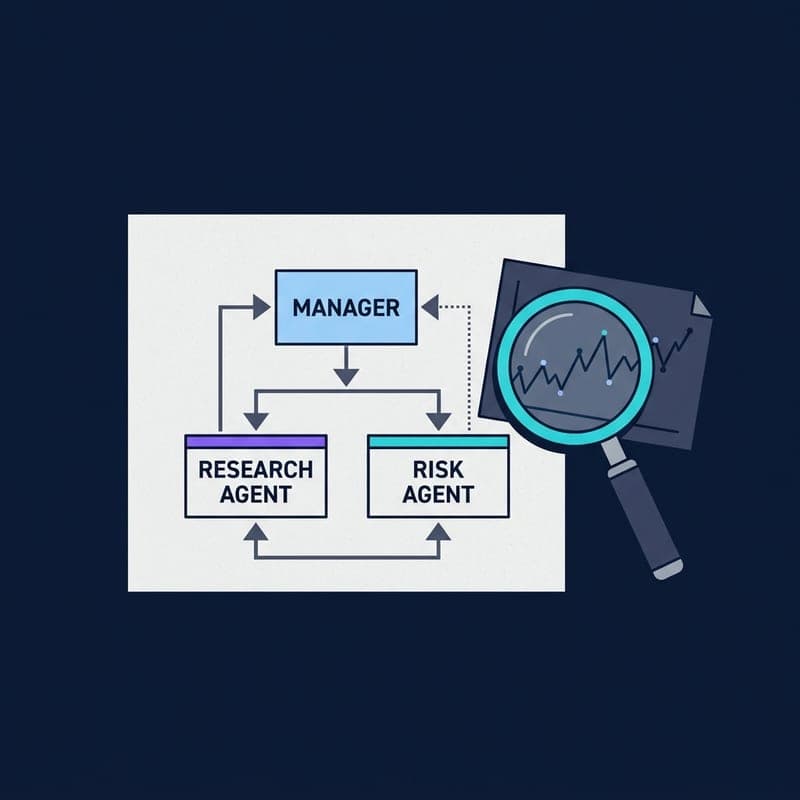
Build a Multi-Agent Financial Research Bot with OpenAI Agents SDK
Run the OpenAI Agents SDK financial research example: a planner, web-search agent, analyst tools, writer and evidence verifier.
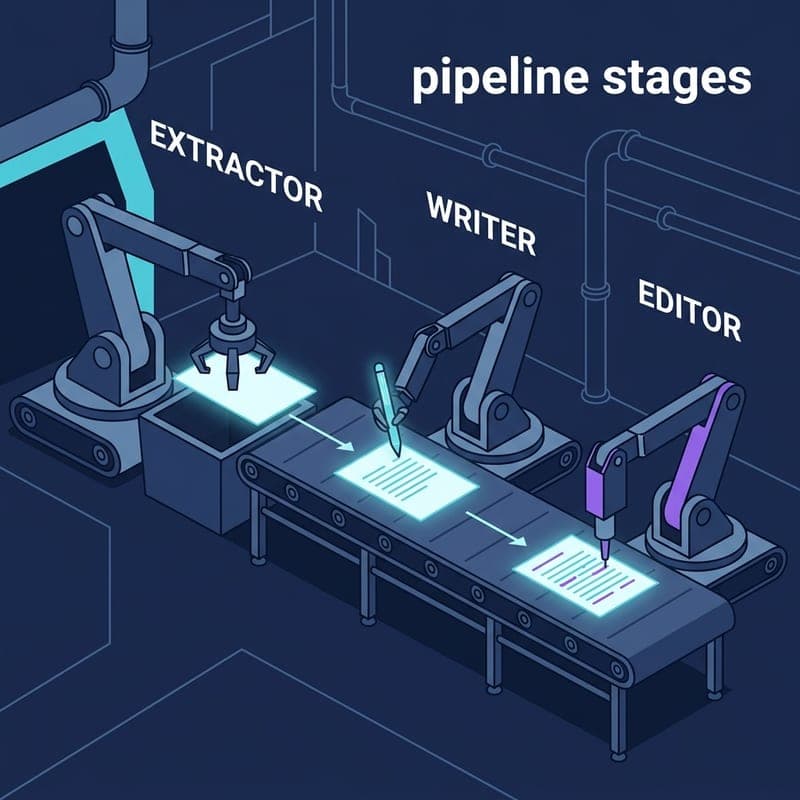
Build a Multi-Agent Sequential Pipeline with Semantic Kernel
Wire three specialised agents into an ordered pipeline using Semantic Kernel's SequentialOrchestration and InProcessRuntime — no glue code required.

Run SGLang Offline Batch Inference Directly from Python
Use SGLang's offline_batch_inference.py pattern to batch-generate text without an HTTP server.