
In this article
- Prerequisites
- Step 1: Install dependencies
- Step 2: Configure the client
- Step 3: Run a basic single-agent research task
- Step 4: Define prompts for the multi-agent pipeline
- Step 5: Assemble the four-agent pipeline
- Step 6: Inspect the agent interaction flow
- Step 7: Extract citations from the final report
- Step 8: Print the final report
- What to watch out for
- Where to go next
This guide is adapted from the OpenAI Cookbook's introduction_to_deep_research_api_agents.ipynb, published under the MIT licence. Code blocks below are reproduced exactly from that source.
OpenAI's Deep Research API lets you hand a complex, open-ended research question to an agent and get back a structured, cited report — without writing a retrieval pipeline, managing a browser session, or chunking documents yourself. The agent plans its own search strategy, issues real web queries, synthesises findings across sources, and surfaces inline URL citations in its final output. That is qualitatively different from a single RAG call: the model decides what to look up, evaluates what it finds, and iterates before writing. For engineers building competitive-intelligence tools, automated literature reviews, or due-diligence pipelines, this removes the hardest coordination work.
Who should read this? Teams already comfortable with the OpenAI Python SDK who need research that goes beyond a single prompt-response cycle. If your task requires planning, multi-source synthesis, or structured output with provenance, Deep Research is the right tool. For trivial fact lookups or short-form chat, a standard openai.responses call is faster and cheaper — Deep Research runs for minutes and costs accordingly. A single research run on gpt-5.6-sol (the more powerful model used in the multi-agent pipeline below) is not a sub-cent call; budget for the fact that the model may issue many web searches per query. This guide covers both a lightweight single-agent pattern and a production-grade four-agent pipeline with clarification, prompt enrichment, MCP-based internal file search, and citation extraction.
This builds on OpenAI's broader push toward agentic product experiences and fits naturally alongside emerging patterns in autonomous browser agents — the Deep Research API handles the browser layer for you so you can focus on orchestration and output structure.
Prerequisites
- Python 3.10 or later.
- OpenAI API key set as the environment variable
OPENAI_API_KEY. Your account must have access togpt-5.6-terraandgpt-5.6-sol; these are restricted-preview models, so confirm access before starting. openai>=1.88andopenai-agents>=0.0.19— the agents SDK shipsAgent,Runner,WebSearchTool, andHostedMCPTool.- No GPU required. All inference runs remotely. A stable internet connection matters because streaming events arrive over a long-lived HTTP connection that can span several minutes.
- If your organisation operates under Zero Data Retention (ZDR) requirements, the setup below disables tracing to comply.
Step 1: Install dependencies
%pip install --upgrade "openai>=1.88" "openai-agents>=0.0.19"
The openai-agents package is separate from the base SDK. It ships the Runner, Agent, and tool classes the entire pipeline depends on. Pin the minimum versions shown — the agents SDK API surface was still in flux below 0.0.19.
Step 2: Configure the client
import os
from agents import Agent, Runner, WebSearchTool, RunConfig, set_default_openai_client, HostedMCPTool
from typing import List, Dict, Optional
from pydantic import BaseModel
from openai import AsyncOpenAI

# Use env var for API key and set a long timeout
client = AsyncOpenAI(timeout=600.0)
set_default_openai_client(client)
os.environ["OPENAI_AGENTS_DISABLE_TRACING"] = "1" # Disable tracing for Zero Data Retention (ZDR) Organizations
The 600-second timeout is not conservative — Deep Research runs can legitimately take several minutes for complex queries. The default httpx timeout (five seconds) will kill the connection mid-stream. set_default_openai_client registers this configured client globally so every Runner call inherits it.
Setting OPENAI_AGENTS_DISABLE_TRACING turns off the SDK's automatic trace uploads. Remove this line if you want agent-step tracing in the OpenAI dashboard; it is valuable for debugging and feeds into fine-tuning and evaluation workflows, but it cannot be used in ZDR environments.
Step 3: Run a basic single-agent research task
This is the minimal pattern: one agent, one tool, one query.
# Define the research agent
research_agent = Agent(
    name="Research Agent",
    model="gpt-5.6-terra",
    tools=[WebSearchTool()],
    instructions="You perform deep empirical research based on the user's question."
)

# Async function to run the research and print streaming progress
async def basic_research(query):
    print(f"Researching: {query}")
    result_stream = Runner.run_streamed(
        research_agent,
        query
    )

    async for ev in result_stream.stream_events():
        if ev.type == "agent_updated_stream_event":
            print(f"\n--- switched to agent: {ev.new_agent.name} ---")
            print(f"\n--- RESEARCHING ---")
        elif (
            ev.type == "raw_response_event"
            and hasattr(ev.data, "item")
            and hasattr(ev.data.item, "action")
        ):
            action = ev.data.item.action or {}
            if action.get("type") == "search":
                print(f"[Web search] query={action.get('query')!r}")

    # streaming is complete → final_output is now populated
    return result_stream.final_output

# Run the research and print the result
result = await basic_research("Research the economic impact of semaglutide on global healthcare systems.")
print(result)
gpt-5.6-terra is the cost-balanced Deep Research model. The streaming loop surfaces two event types worth monitoring: agent_updated_stream_event fires when control transfers between agents (only relevant in multi-agent runs, but harmless to listen for here), and raw_response_event with action.type == "search" tells you exactly what query the model issued to the web. This real-time visibility is useful both for debugging and for building a progress UI in production.
Step 4: Define prompts for the multi-agent pipeline
The four-agent design uses two carefully engineered system prompts. These are reproduced in full because their structure directly controls output quality — they tell the model how to elicit user intent and how to translate it into a research brief.
# ─────────────────────────────────────────────────────────────
#  Prompts
# ─────────────────────────────────────────────────────────────

CLARIFYING_AGENT_PROMPT =  """
    If the user hasn't specifically asked for research (unlikely), ask them what research they would like you to do.

        GUIDELINES:
        1. **Be concise while gathering all necessary information** Ask 2–3 clarifying questions to gather more context for research.
        - Make sure to gather all the information needed to carry out the research task in a concise, well-structured manner. Use bullet points or numbered lists if appropriate for clarity. Don't ask for unnecessary information, or information that the user has already provided.
        2. **Maintain a Friendly and Non-Condescending Tone**
        - For example, instead of saying "I need a bit more detail on Y," say, "Could you share more detail on Y?"
        3. **Adhere to Safety Guidelines**
        """

RESEARCH_INSTRUCTION_AGENT_PROMPT = """

        Based on the following guidelines, take the users query, and rewrite it into detailed research instructions. OUTPUT ONLY THE RESEARCH INSTRUCTIONS, NOTHING ELSE. Transfer to the research agent.

        GUIDELINES:
        1. **Maximize Specificity and Detail**
        - Include all known user preferences and explicitly list key attributes or dimensions to consider.
        - It is of utmost importance that all details from the user are included in the expanded prompt.

        2. **Fill in Unstated But Necessary Dimensions as Open-Ended**
        - If certain attributes are essential for a meaningful output but the user has not provided them, explicitly state that they are open-ended or default to "no specific constraint."

        3. **Avoid Unwarranted Assumptions**
        - If the user has not provided a particular detail, do not invent one.
        - Instead, state the lack of specification and guide the deep research model to treat it as flexible or accept all possible options.

        4. **Use the First Person**
        - Phrase the request from the perspective of the user.

        5. **Tables**
        - If you determine that including a table will help illustrate, organize, or enhance the information in your deep research output, you must explicitly request that the deep research model provide them.
        Examples:
        - Product Comparison (Consumer): When comparing different smartphone models, request a table listing each model's features, price, and consumer ratings side-by-side.
        - Project Tracking (Work): When outlining project deliverables, create a table showing tasks, deadlines, responsible team members, and status updates.
        - Budget Planning (Consumer): When creating a personal or household budget, request a table detailing income sources, monthly expenses, and savings goals.
        Competitor Analysis (Work): When evaluating competitor products, request a table with key metrics—such as market share, pricing, and main differentiators.

        6. **Headers and Formatting**
        - You should include the expected output format in the prompt.
        - If the user is asking for content that would be best returned in a structured format (e.g. a report, plan, etc.), ask the Deep Research model to "Format as a report with the appropriate headers and formatting that ensures clarity and structure."

        7. **Language**
        - If the user input is in a language other than English, tell the model to respond in this language, unless the user query explicitly asks for the response in a different language.

        8. **Sources**
        - If specific sources should be prioritized, specify them in the prompt.
        - Prioritize Internal Knowledge. Only retrieve a single file once.
        - For product and travel research, prefer linking directly to official or primary websites (e.g., official brand sites, manufacturer pages, or reputable e-commerce platforms like Amazon for user reviews) rather than aggregator sites or SEO-heavy blogs.
        - For academic or scientific queries, prefer linking directly to the original paper or official journal publication rather than survey papers or secondary summaries.
        - If the query is in a specific language, prioritize sources published in that language.

        IMPORTANT: Ensure that the complete payload to this function is valid JSON
        IMPORTANT: SPECIFY REQUIRED OUTPUT LANGUAGE IN THE PROMPT
        """
The instruction agent's prompt enforces structured output, table requests, source prioritisation, and language consistency. Weakening it produces vague, under-specified research briefs — which the Research Agent then executes faithfully, producing shallow reports.
Step 5: Assemble the four-agent pipeline
| Agent | Model | Role | Key output |
|---|---|---|---|
| Triage Agent | default | Routes to Clarifier or Instruction Builder based on query completeness | A single handoff call |
| Clarifying Questions Agent | gpt-4o-mini | Asks 2–3 targeted follow-up questions; waits for answers | Clarifications Pydantic object |
| Research Instruction Agent | gpt-4o-mini | Rewrites the enriched query into a precise research brief | Detailed instruction string; hands off to Research Agent |
| Research Agent | gpt-5.6-sol | Executes web search and internal file search; produces final report | Cited, structured markdown report |
# ─────────────────────────────────────────────────────────────
# Structured outputs (needed only for Clarifying agent)
# ─────────────────────────────────────────────────────────────
class Clarifications(BaseModel):
    questions: List[str]

# ─────────────────────────────────────────────────────────────
# Agents
# ─────────────────────────────────────────────────────────────
research_agent = Agent(
    name="Research Agent",
    model="gpt-5.6-sol",
    instructions="Perform deep empirical research based on the user's instructions.",
    tools=[WebSearchTool(),
           HostedMCPTool(
            tool_config={
                "type": "mcp",
                "server_label": "file_search",
                "server_url": "https://<url>/sse",
                "require_approval": "never",
            }
        )
    ]
)

instruction_agent = Agent(
    name="Research Instruction Agent",
    model="gpt-4o-mini",
    instructions=RESEARCH_INSTRUCTION_AGENT_PROMPT,
    handoffs=[research_agent],
)

clarifying_agent = Agent(
    name="Clarifying Questions Agent",
    model="gpt-4o-mini",
    instructions=CLARIFYING_AGENT_PROMPT,
    output_type=Clarifications,
    handoffs=[instruction_agent],
)

triage_agent = Agent(
    name="Triage Agent",
    instructions=(
        "Decide whether clarifications are required.\n"
        "• If yes → call transfer_to_clarifying_questions_agent\n"
        "• If no  → call transfer_to_research_instruction_agent\n"
        "Return exactly ONE function-call."
    ),
    handoffs=[clarifying_agent, instruction_agent],
)


# ─────────────────────────────────────────────────────────────
#  Auto-clarify helper
# ─────────────────────────────────────────────────────────────
async def basic_research(
    query: str,
    mock_answers: Optional[Dict[str, str]] = None,
    verbose: bool = False,
):
    stream = Runner.run_streamed(
        triage_agent,
        query,
        run_config=RunConfig(tracing_disabled=True),
    )

    async for ev in stream.stream_events():
        if isinstance(getattr(ev, "item", None), Clarifications):
            reply = []
            for q in ev.item.questions:
                ans = (mock_answers or {}).get(q, "No preference.")
                reply.append(f"**{q}**\n{ans}")
            stream.send_user_message("\n\n".join(reply))
            continue
        if verbose:
            print(ev)

    #return stream.final_output
    return stream

# ─────────────────────────────────────────────────────────────
#  Example run
# ─────────────────────────────────────────────────────────────
result = await basic_research(
    "Research the economic impact of semaglutide on global healthcare systems.",
    mock_answers={},   # or provide canned answers
)
Two design decisions are worth understanding. First, mock_answers={} short-circuits the clarification loop — in production you would populate this dict with actual user responses, or wire stream.send_user_message to a UI input. Second, the function returns the full stream object rather than stream.final_output because you need the stream to extract the agent interaction trace and citations in subsequent steps.
HostedMCPTool points to a server you operate. Replace https://<url>/sse with the actual SSE endpoint of your MCP file-search server before running. This gives the Research Agent access to your internal document store alongside public web search, enabling hybrid retrieval without custom code on the agent side. This pattern parallels the agent memory and governance pipelines appearing across the industry.
Step 6: Inspect the agent interaction flow
import json

def parse_agent_interaction_flow(stream):
    print("=== Agent Interaction Flow ===")
    count = 1

    for item in stream.new_items:
        # Agent name, fallback if missing
        agent_name = getattr(item.agent, "name", "Unknown Agent") if hasattr(item, "agent") else "Unknown Agent"

        if item.type == "handoff_call_item":
            func_name = getattr(item.raw_item, "name", "Unknown Function")
            print(f"{count}. [{agent_name}] → Handoff Call: {func_name}")
            count += 1

        elif item.type == "handoff_output_item":
            print(f"{count}. [{agent_name}] → Handoff Output")
            count += 1

        elif item.type == "mcp_list_tools_item":
            print(f"{count}. [{agent_name}] → mcp_list_tools_item")
            count += 1

        elif item.type == "reasoning_item":
            print(f"{count}. [{agent_name}] → Reasoning step")
            count += 1

        elif item.type == "tool_call_item":
            tool_name = getattr(item.raw_item, "name", None)

            # Skip tool call if tool_name is missing or empty
            if not isinstance(tool_name, str) or not tool_name.strip():
                continue  # skip silently

            tool_name = tool_name.strip()

            args = getattr(item.raw_item, "arguments", None)
            args_str = ""

            if args:
                try:
                    parsed_args = json.loads(args)
                    if parsed_args:
                        args_str = json.dumps(parsed_args)
                except Exception:
                    if args.strip() and args.strip() != "{}":
                        args_str = args.strip()

            args_display = f" with args {args_str}" if args_str else ""

            print(f"{count}. [{agent_name}] → Tool Call: {tool_name}{args_display}")
            count += 1

        elif item.type == "message_output_item":
            print(f"{count}. [{agent_name}] → Message Output")
            count += 1

        else:
            print(f"{count}. [{agent_name}] → {item.type}")
            count += 1

# Example usage:
parse_agent_interaction_flow(result)
This function reconstructs a human-readable audit trail from stream.new_items — useful for debugging routing decisions and for verifying that the triage agent chose the right path. In production, the same data structure can feed a logging system or an evaluation harness.
Step 7: Extract citations from the final report
def print_final_output_citations(stream, preceding_chars=50):
    # Iterate over new_items in reverse to find the last message_output_item(s)
    for item in reversed(stream.new_items):
        if item.type == "message_output_item":
            for content in getattr(item.raw_item, 'content', []):
                if not hasattr(content, 'annotations') or not hasattr(content, 'text'):
                    continue
                text = content.text
                for ann in content.annotations:
                    if getattr(ann, 'type', None) == 'url_citation':
                        title = getattr(ann, 'title', '<no title>')
                        url = getattr(ann, 'url', '<no url>')
                        start = getattr(ann, 'start_index', None)
                        end = getattr(ann, 'end_index', None)

                        if start is not None and end is not None and isinstance(text, str):
                            # Calculate preceding snippet start index safely
                            pre_start = max(0, start - preceding_chars)
                            preceding_text = text[pre_start:start].replace('\n', ' ').strip()
                            excerpt = text[start:end].replace('\n', ' ').strip()
                            print("# --------")
                            print("# MCP CITATION SAMPLE:")
                            print(f"#   Title:       {title}")
                            print(f"#   URL:         {url}")
                            print(f"#   Location:    chars {start}–{end}")
                            print(f"#   Preceding:   '{preceding_text}'")
                            print(f"#   Excerpt:     '{excerpt}'\n")
                        else:
                            # fallback if no indices available
                            print(f"- {title}: {url}")
            break

# Usage
print_final_output_citations(result)
Citations come back as url_citation annotations on the content object, each with character-level start_index and end_index into the report text. That means you can programmatically link every claim to its source — a meaningful step up from models that cite documents without anchoring them to specific passages. The preceding_chars parameter lets you pull surrounding context for each citation to verify relevance.
Step 8: Print the final report
## Deep Research Research Report

print(result.final_output)
What to watch out for
Latency and cost accumulate fast. A single gpt-5.6-sol research run issues many web searches and reasons extensively before writing. Audit token counts using your OpenAI usage dashboard before deploying at scale. The instruction and clarifying agents use gpt-4o-mini deliberately — do not upgrade them to gpt-5.6-sol; they do not need it and the cost difference is significant.
The 600-second timeout is a floor, not a ceiling. If your deployment environment has its own gateway timeout (a load balancer, an API gateway, a cloud function's execution limit), that limit will kill streaming connections before the model finishes. Set infrastructure-level timeouts to at least 700 seconds, and consider whether streaming to a queue rather than a live HTTP connection is safer for production.
MCP server availability is on your critical path. If HostedMCPTool cannot reach your SSE endpoint, the Research Agent silently falls back to web search only — you will not get an error, just a report with no internal documents cited. Monitor your MCP server health independently and confirm that require_approval: "never" is appropriate for your security posture. For broader context on security considerations in agentic systems, see the AI safety evaluations coverage.
Triage routing is probabilistic. The Triage Agent's decision to clarify or proceed is a model call, not a rule. For borderline-ambiguous queries it may skip clarification and produce a lower-quality brief. If you need deterministic routing, replace the triage agent with explicit logic that inspects the query before calling Runner.
mock_answers={} returns "No preference" for every question. This is fine for testing, but in production an empty dict means the Clarifying Agent's questions go unanswered with a generic fallback. Wire send_user_message to real input — a UI element, a pre-collected form, or a structured config — before shipping.
Citation annotations can be absent. The print_final_output_citations fallback branch (else: print(f"- {title}: {url}")) fires when start_index or end_index are missing. This happens when the model cites a source at the document level rather than anchoring it to a span. Design your output schema to handle both cases.
ZDR and tracing are mutually exclusive. Disabling tracing (OPENAI_AGENTS_DISABLE_TRACING=1) removes the audit trail the platform uses for evaluations and fine-tuning. If compliance forces ZDR, invest in your own logging layer — the parse_agent_interaction_flow function above is a starting point — so you retain observability.
Where to go next
The cookbook this guide is adapted from links to a companion resource on building a Deep Research MCP server — the natural next step if you want the Research Agent to query your own document corpus rather than the public web only. For teams thinking about agent cost management more broadly, the evolving token billing models in agentic tooling are worth tracking, since per-tool-call pricing is becoming common. The structured output patterns for local and hosted LLMs covered elsewhere on this site apply directly to the Pydantic-backed Clarifications model used in the clarifying agent, and can help if you want to add more complex structured outputs at other pipeline stages.
Frequently asked questions
What models does the OpenAI Deep Research API use?
The pipeline uses two Deep Research models: `gpt-5.6-terra` for the lightweight single-agent pattern and `gpt-5.6-sol` for the full four-agent pipeline. The clarifying and instruction agents use `gpt-4o-mini` deliberately to keep costs low; those roles do not require the heavier research model.
How long does a Deep Research API run take?
Complex queries on `gpt-5.6-sol` routinely run for several minutes as the model plans searches, issues multiple web queries, and synthesises findings before writing. The example code sets a 600-second client timeout; any infrastructure-level gateway (load balancer, cloud function limit) must be set to at least 700 seconds to avoid dropping the streaming connection mid-run.
What Python packages do I need to run this pipeline?
You need `openai>=1.88` and `openai-agents>=0.0.19`. The `openai-agents` package is separate from the base SDK and ships the `Agent`, `Runner`, `WebSearchTool`, `HostedMCPTool`, and `RunConfig` classes the entire pipeline depends on. Python 3.10 or later is required.
How does the Deep Research API return citations?
Citations appear as `url_citation` annotations on the final message content object, each carrying a `title`, `url`, `start_index`, and `end_index` into the report text. This means every cited claim is anchored to a specific character span, not just listed at the document level. The `print_final_output_citations` function in this guide extracts and displays them with surrounding context.
What is HostedMCPTool and why is the server URL a placeholder?
`HostedMCPTool` connects the Research Agent to an MCP server you operate, enabling hybrid retrieval from your internal document store alongside public web search. The `https://<url>/sse` value in the source code is intentionally a placeholder—you must replace it with the actual SSE endpoint of your own MCP file-search server before running the pipeline. If the endpoint is unreachable, the agent silently falls back to web search only.
How do I disable tracing for Zero Data Retention compliance?
Set the environment variable `OPENAI_AGENTS_DISABLE_TRACING=1` before running any agent, as shown in the setup cell. You can also pass `run_config=RunConfig(tracing_disabled=True)` per-run. Either method prevents the SDK from uploading agent-step traces to OpenAI's platform, which is required in ZDR environments but also removes the audit trail used for evaluations and fine-tuning.
Related Guides
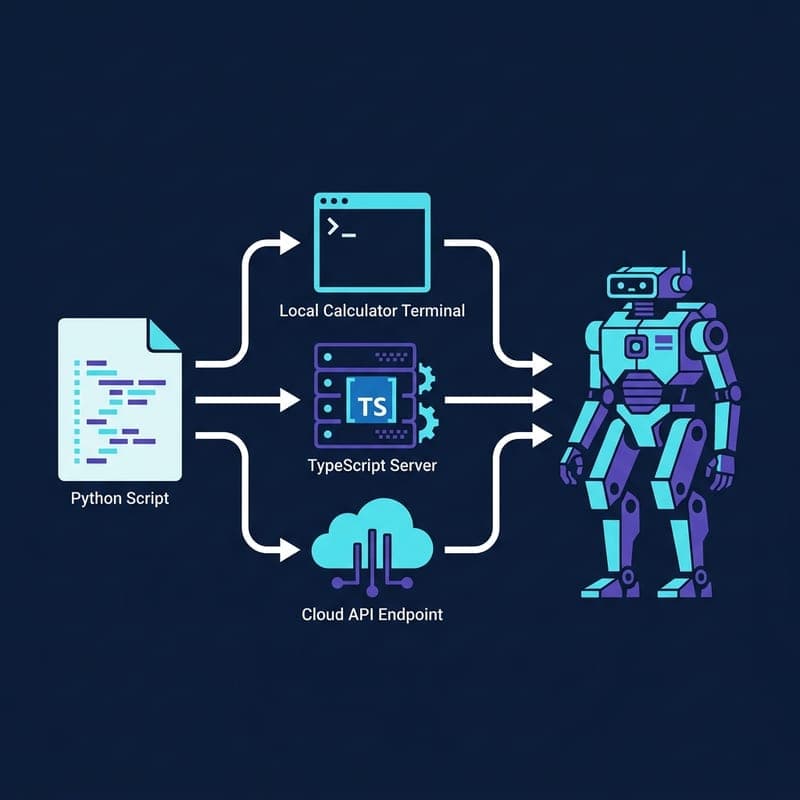
Build a Multi-Tool Claude Agent with MCP Servers in Python
Wire Claude to a local calculator, Brave search MCP server, and Anthropic-hosted tools in one extensible Python agent loop.
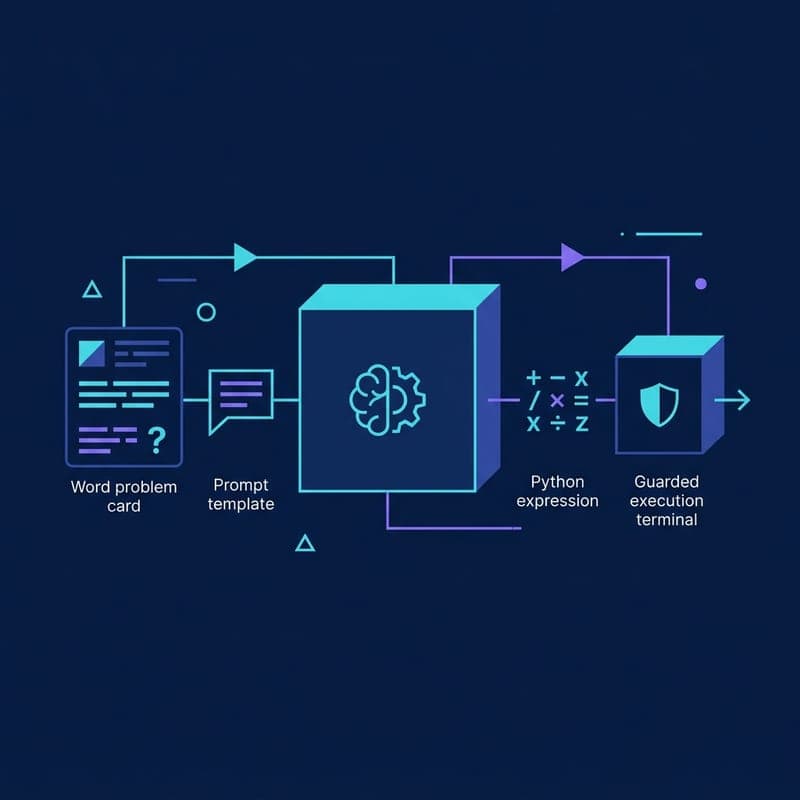
Generate and Run a Python Expression with Outlines
Use Outlines and GPT-4o mini to turn a word problem into a Python expression, execute it, and understand the risks of eval.
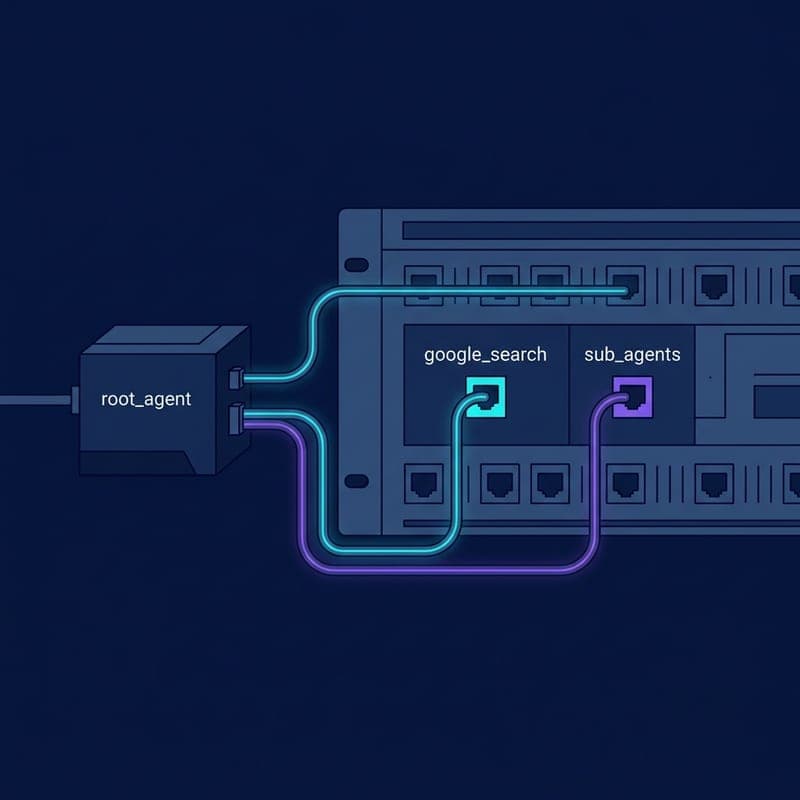
Build a Grounded Search Agent with Google ADK
Build a web-grounded AI agent with Google ADK's built-in google_search tool, from pip install to a grounded answer in the ADK dev UI.